

ASRAnother Sound Recorder
Beautiful sound recording app for Android

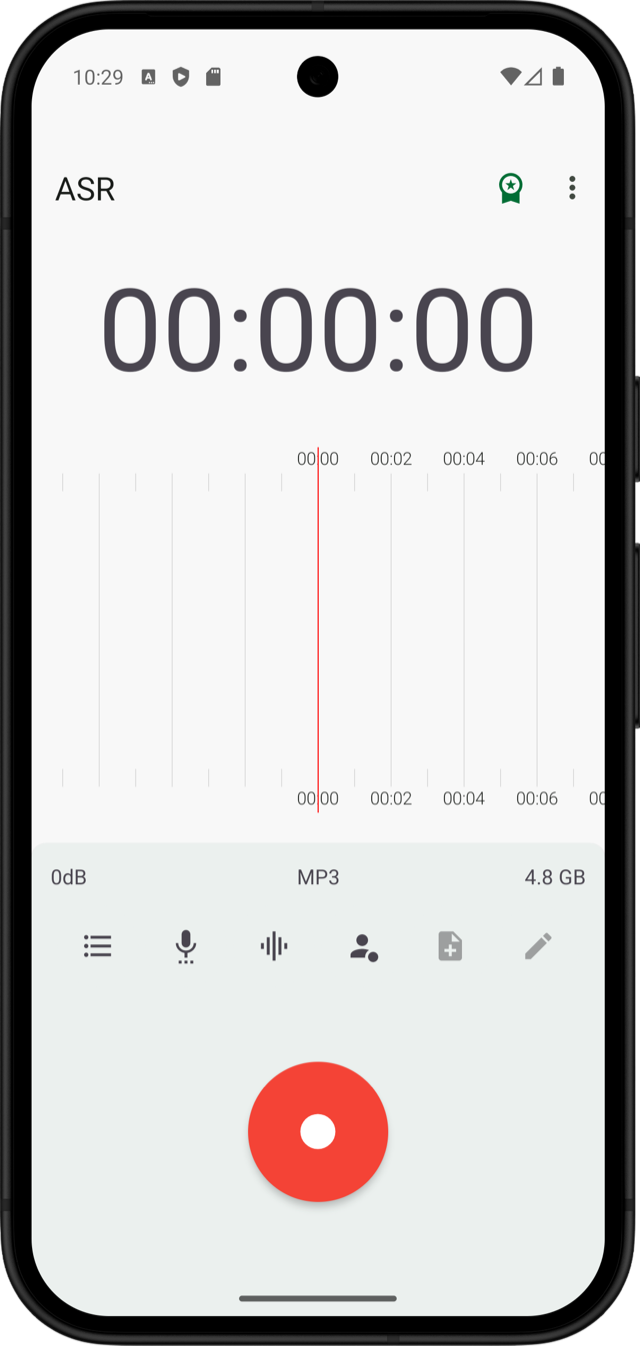
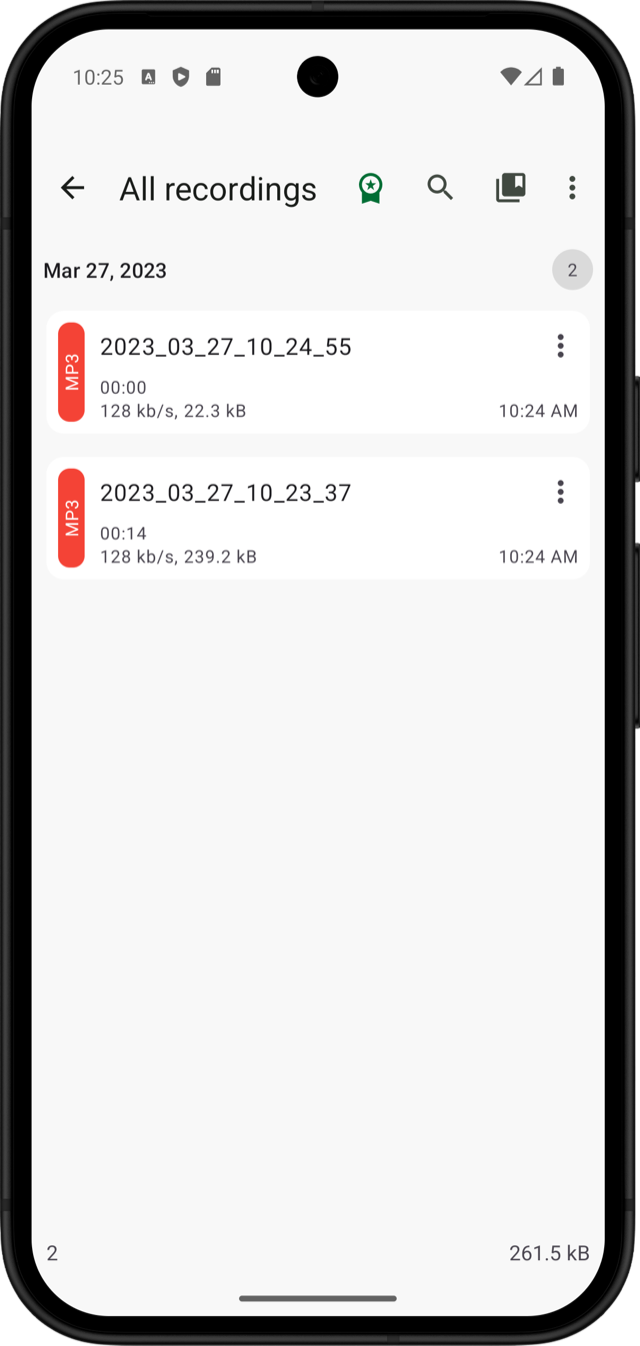
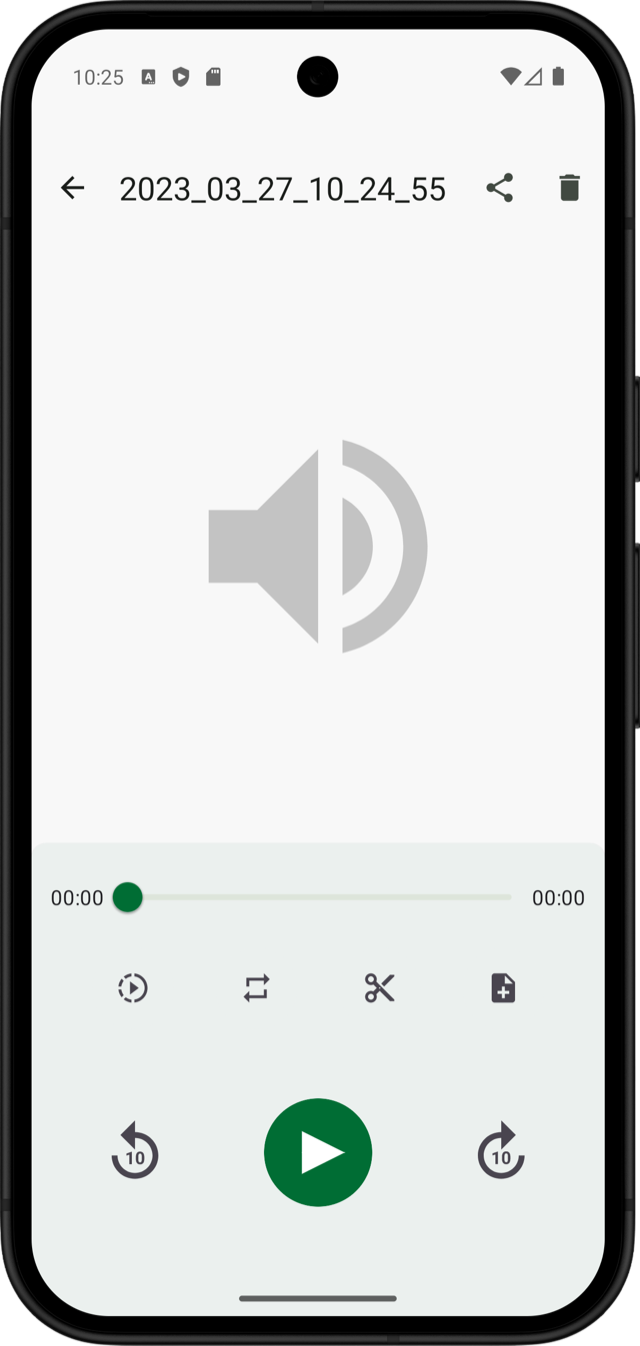
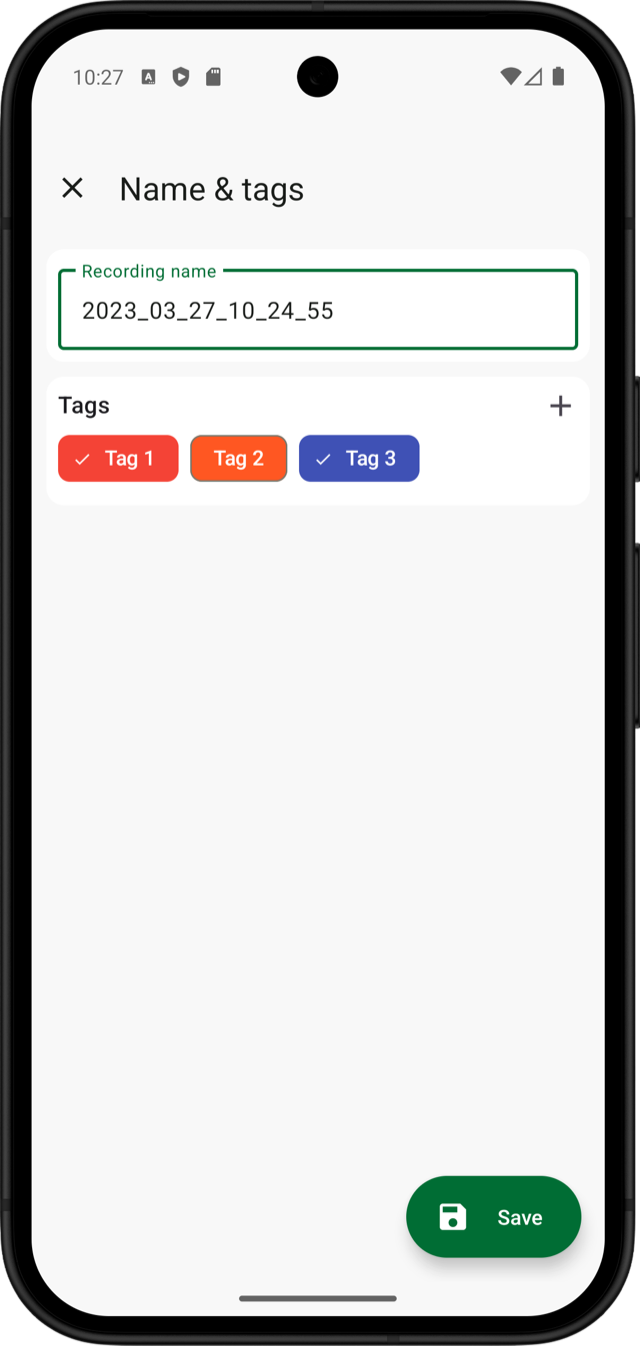
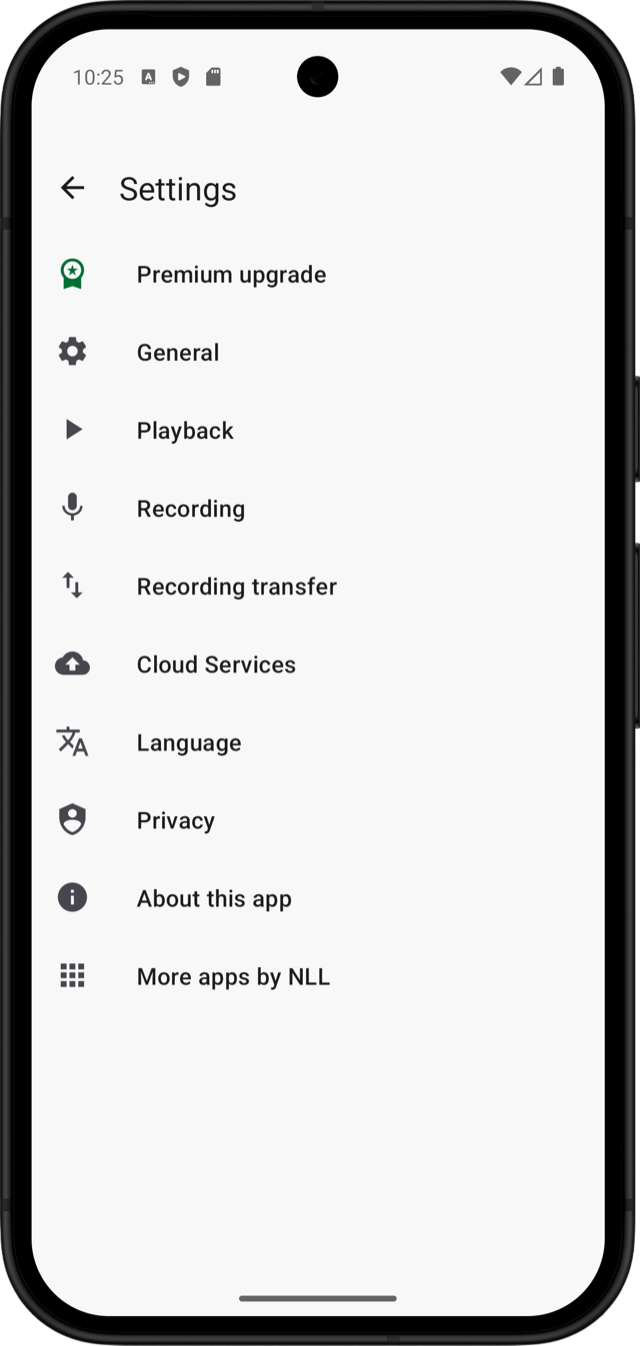
Beautiful design
Enjoy a clean, modern interface designed to make recording, organising and managing your audio effortless.
Different recording formats
Choose from a wide range of audio formats to suit your recording needs, storage preferences and playback devices.
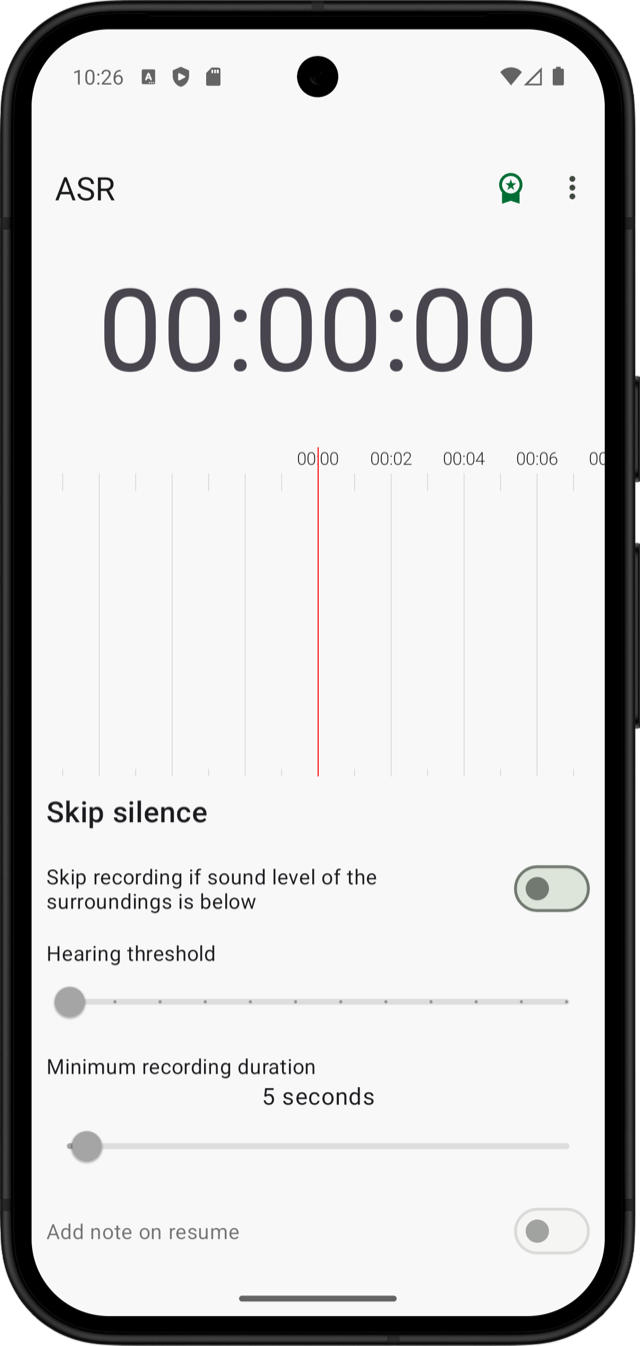
Automatically skip silence during recording
Automatically detect silence and skip quiet sections, keeping your recordings focused on the important parts.
Gain control
Adjust microphone gain to achieve the desired recording volume, including when dealing with quieter audio sources.
Recording sharing
Share your recordings easily with other apps, services or people directly from ASR.
Different recording formats such as MP3, M4A, OGG, OPUS, FLAC, WAV, WAV 32 Bit, AMR
Record in MP3, M4A, OGG, OPUS, FLAC, WAV, 32-bit WAV or AMR. Select the format that best balances quality, compatibility and file size.
Cloud upload support for
Automatically upload recordings, send them for transcription or transfer them to your preferred cloud storage and remote servers.
- OpenAI Whisper for speech to text transcription
- Auto Email
- Box.com
- Dropbox
- Google Drive
- OneDrive
- FTP/FTPS
- SFTP
- WebDAV
- WebHook
- And more...
Web interface for local network access
Access and manage your recordings through a web browser on devices connected to the same local network.
Sample and bitrate options for better control of recording quality
Fine-tune sample rates, bitrates and other audio settings to find the right balance between recording quality and file size.
Dedicated discard recording button
Discard unwanted recordings instantly without saving unnecessary audio files.
Customizable recording folder
Choose where your recordings are stored and organise your audio files around your own workflow.
Record and play recordings while app is in the background
Continue recording or listening to audio while using other apps, with background operation support.
Pause and resume while recording
Pause and resume recordings whenever needed, keeping related audio together in a single recording.
Noise suppression and AGC
Use noise suppression and automatic gain control to improve audio clarity and maintain more consistent recording levels.
Auto start recording
Configure ASR to start recording automatically according to your preferred recording settings.
Recording widget for quick and easy access
Start recording quickly from your home screen using the convenient ASR widget.
Search within recordings
Find recordings quickly using search and keep your audio collection organised and accessible.
Rename during and after recording
Give each recording a meaningful name immediately after recording, making it easier to identify and organise files.
Audio Trimmer
Trim recordings easily and pricesily.
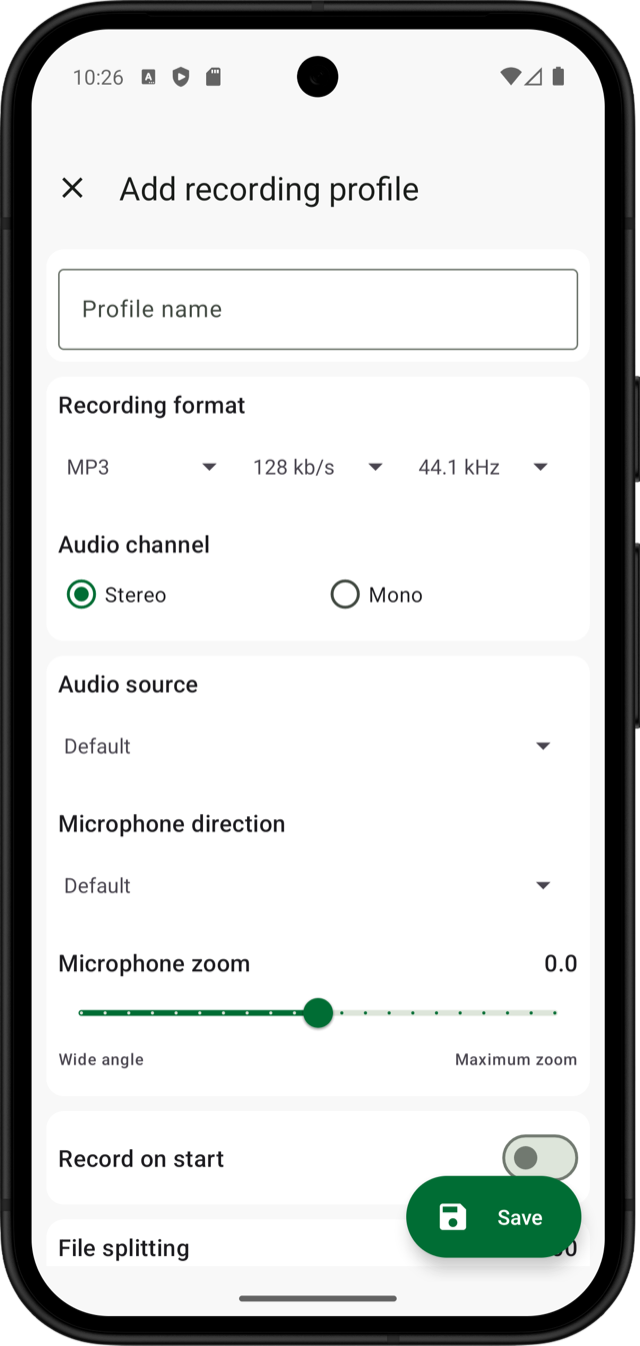
Recording profiles
Create multiple recording profiles for quick switching between recording types and qualities.
1,000,000+ downloads
Trusted by over one million downloads worldwide, ASR has been helping people record and manage audio for years.
And many more...
Discover waveform visualisation, audio trimming, transcription, playback controls, tagging and many other tools designed for your recording workflow.